



UX/UI Design

UI/UX design solve?
- Ensuring usability: UI/UX design creates an intuitively understandable interface that allows users to navigate through the website or application easily and perform necessary actions without extra effort.
- Improving efficiency: Well-thought-out UX design helps optimize the interaction process with the product, leading to increased user productivity and reduced task completion time.
- Increasing user satisfaction: If users are satisfied with their interaction with the product, they are more likely to return to it, recommend it to others, and remain loyal to the brand. Thus, UI/UX design contributes to increased user loyalty.
- Minimizing errors: Effective UX design anticipates possible situations that may lead to user errors and seeks to avoid them or mitigate their consequences.
- Building user confidence: If users feel confident and comfortable using the product, it positively impacts their perception of the brand and creates positive associations.
- Enhancing competitiveness: Excellent UI/UX design can become a competitive advantage by making the product more attractive to users compared to similar offerings from competitors.
how we do it!
- If you plan to succeed in business, it’s not enough to just have a nice website, you need to have the best! Our team of experts ensures that your online business is presented on the highest global level. We pay special attention to individual design and user-friendliness when designing business pages.
- Every business website created by our team is a meticulously prepared internet project that maximally reflects the company’s identity. Simple in form yet creatively constructed corporate websites are a modern marketing mechanism that helps achieve set goals.
Stages of UX/UI Design• Process
01
02
03
04
05
Latest projects/•
our strength is in
what we do
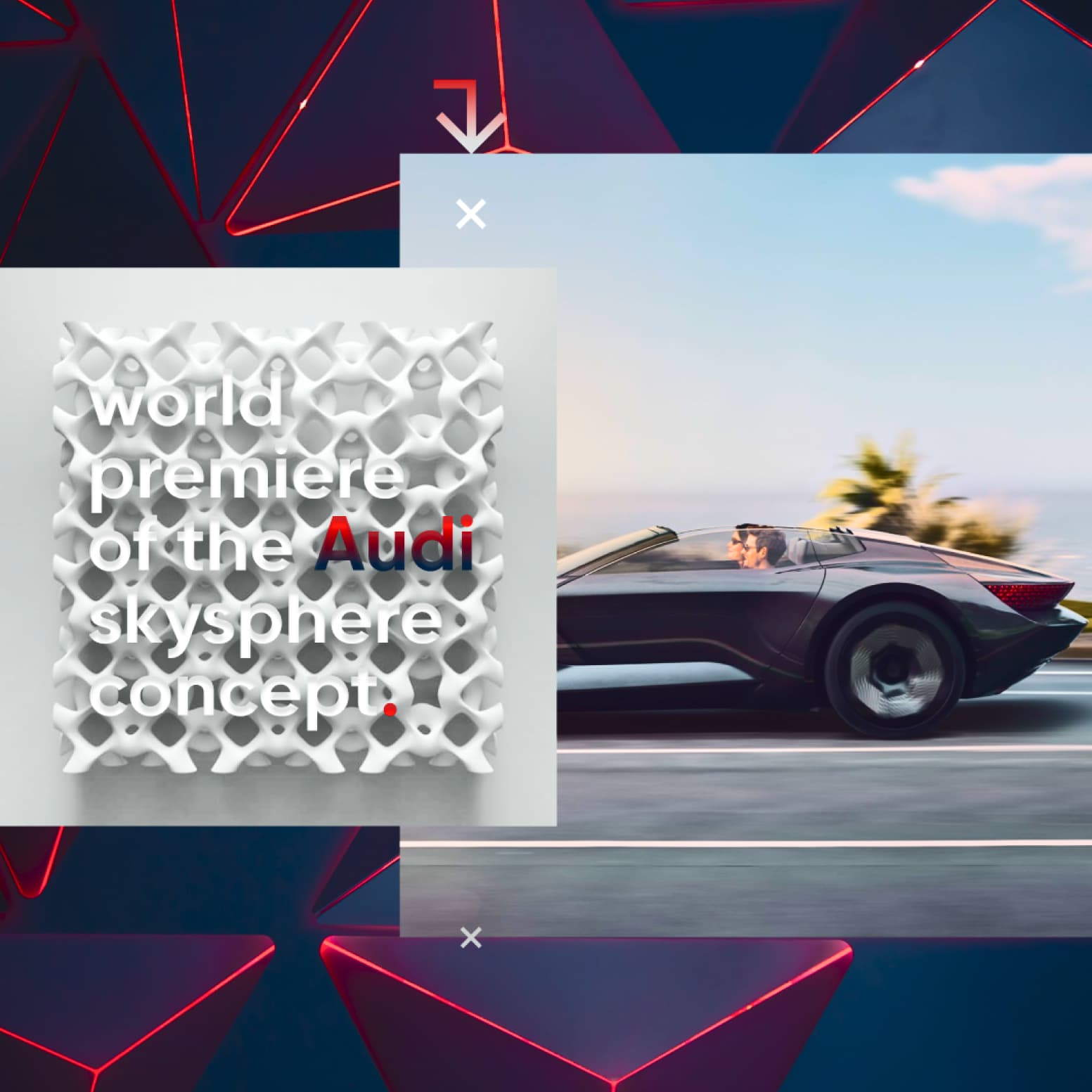
Concept web design, UI/UX for AUDI / 2024

Concept UI/UX Deutsche Bank / 2023

Concept Web Design, UI/UX Samsung / 2023

Concept Web Design, UI/UX Shell / 2023
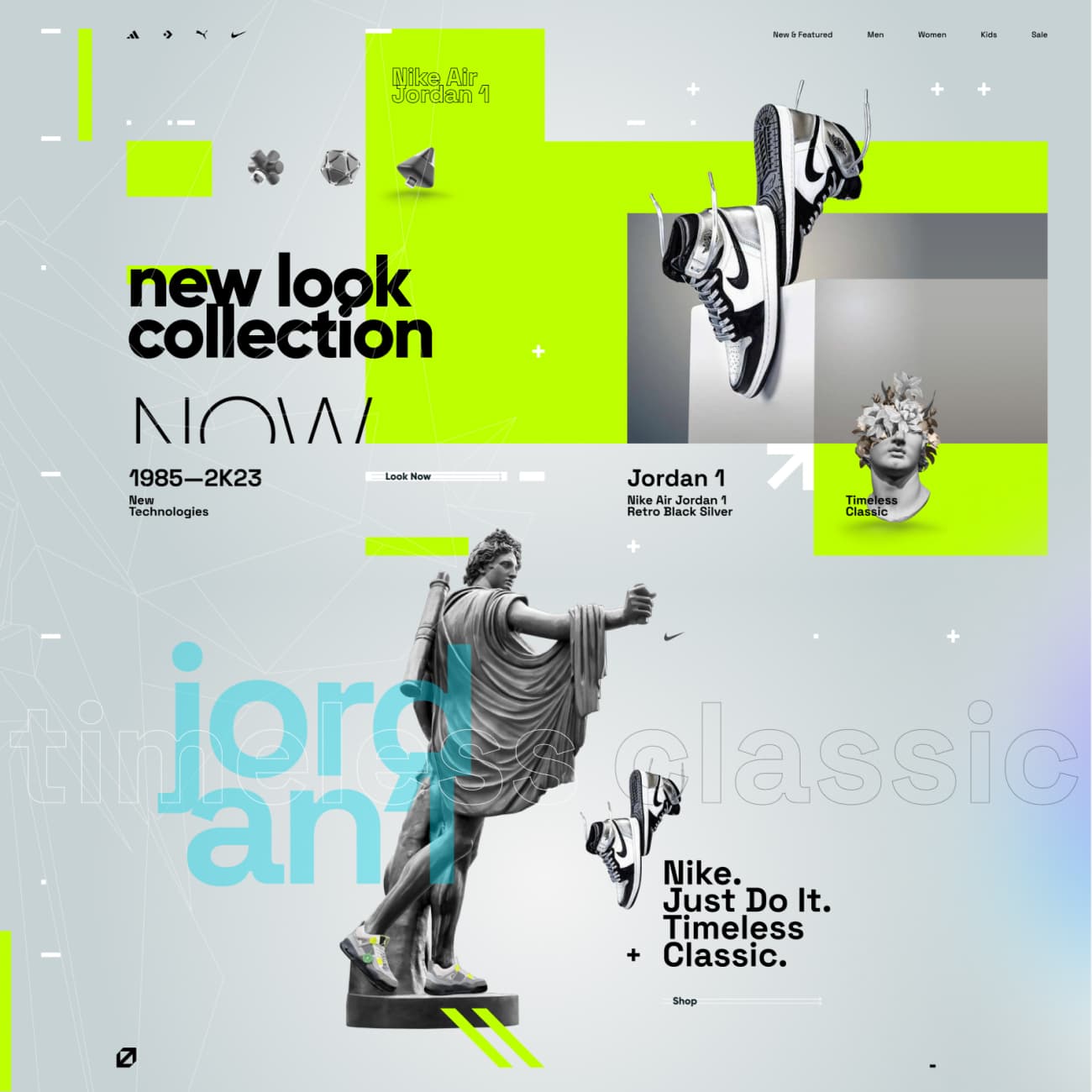
Concept E-commerce UI/UX Sport Shop / 2024
Concept Web Design, UI/UX AVIAS / 2023
reviews/• Words from Satisfied Customers

UI/UX Website for the PMF Creative
Working with designers from ESTET DESIGN is a real pleasure. The company has a very talented team that communicates excellently and executes all projects on time. Yuriy, in particular, has proven himself to be an outstanding communicator and skillfully completes all tasks. He is extremely talented and always surprises with fantastic results. Working with him and his team is a true pleasure!
Clint Rogers
United States
Full Website Design - Raffle Market Place
Yuri from ESTET DESIGN is an exceptional designer. He did everything possible to ensure a full understanding of the concept/requirements while embracing it as his own. He exceeded all expectations with the visual effects and format used. Everything was done ahead of schedule and at a very high level. It was a pleasure to work together, and we will definitely reach out to Yuri again in the future.
Joseph Saggese
United Kingdom
UI/UX Design for Corporate website/ Online Marketing
ESTET DESIGN is a highly experienced and professional company. They have created a stunning website for us, and I am completely satisfied with the result. The quality of their work surpasses the cost. If you are looking for high-quality work, it is not worth turning to cheap companies - with ESTET DESIGN, you will get much more value for your money. I highly recommend them.
Cormac Farrelly
Ireland
 prev
prev
 next
next


Impressed by Our Projects/• Ready for Your Own Unique version?
Especially for You!